iOS 26.2 Update is Coming! Here’s What iPhone Users Can Expect
Apple is gearing up for a packed December, and iOS 26.2 is shaping up to be one of the most interesting mid-cycle updates in years. It marks a true feature release with changes you will notice the moment your phone reboots. The update stays grounded in what Apple introduced with iOS 26. But it sharpens the design, strengthens key apps, and brings brand new features that make your phone feel cleaner and smarter.
The update is expected to land on Monday, December 15, or Tuesday, December 16. Apple usually releases its big dot two update before the year closes, so this timeline lines up with its usual pattern.
If you like getting updates fast, keep an eye on your Settings app during the second week of December.
Fresh Design Tweaks and Lock Screen Control
iOS 26.2 continues Apple’s push toward its Liquid Glass design language. This style arrived with iOS 26 and created softer surfaces and clearer layers across the system. In 26.2, Apple gives users more control over the Lock Screen with a new transparency slider for the Glass clock.
It slides from almost clear to a frosted look, letting you tailor the feel of your Lock Screen with more precision.
System animations also get a noticeable lift. Menus react faster and have a bouncier motion, matching the style Apple showed at WWDC. These quicker transitions make the phone feel spry.
Upgrades to Key Apple Apps
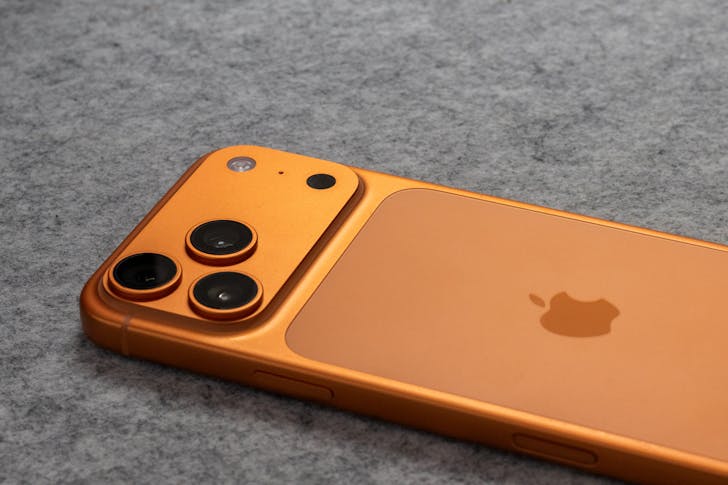
Japy / Pexels / Several Apple apps score solid improvements that make them easier and more useful. Reminders delivers a top-requested feature called Urgent reminders.
Mark something as urgent, and your phone triggers a full alarm at the chosen time. You also get a snooze option and a Live Activity on the Lock Screen so the task stays in sight. It is a direct, practical update that helps people who live by their to-do lists.
Apple Music adds offline lyrics, a simple upgrade that helps in spots with weak signals. Once the track and lyrics are downloaded, you can read along anywhere. It makes the offline listening experience feel closer to streaming, and it works well for travel and long commutes.
Plus, Apple News adopts a fresh layout with quick access buttons at the top for categories like Sports, Politics, and Puzzles. The new Following tab pulls your favorite outlets into one place.
Updates for Creativity, Games & Teamwork
Freeform expands its creative toolkit with support for tables. It sounds small, but it makes the app more useful for planners, students, and teams who need structure alongside sketches and notes. You can now map ideas with more order without leaving the app.
The newer Games app gets a round of fixes that make it smoother to use. Library sorting improves, challenge scores update in real time, and controller navigation becomes steadier.
Stronger Privacy and Smarter Sharing
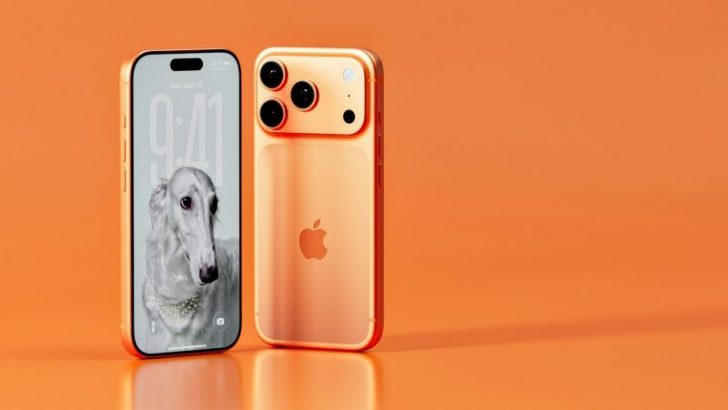
Igor / Unsplash / With the iOS 26.2 update, AirDrop will include a secure one-time code option for sharing with someone outside your contacts.
The code lasts for 30 days and keeps your phone from opening up to everyone around you. It protects you without slowing the sharing process.
The Sleep Score in the Health app gets recalibrated based on user feedback. Score ranges shift and categories get renamed, with Excellent moving to Very High. These changes aim to give you readings that feel more realistic and easier to interpret.
CarPlay and Accessibility Improvements
CarPlay adds a new toggle that hides Pinned Conversations in Messages. This helps keep the interface tidy and cuts down on screen clutter while driving. It is a small touch, yet it feels useful for anyone who prefers a clean dashboard.
Accessibility will also get stronger. The Flash for Alerts tool can now use the screen flash instead of or along with the LED flash on the back. This gives users more flexibility and makes alerts easier to notice in more situations.
For users who have not upgraded from iOS 18, iOS 18.7.2 may be the last iOS 18 update for a while.